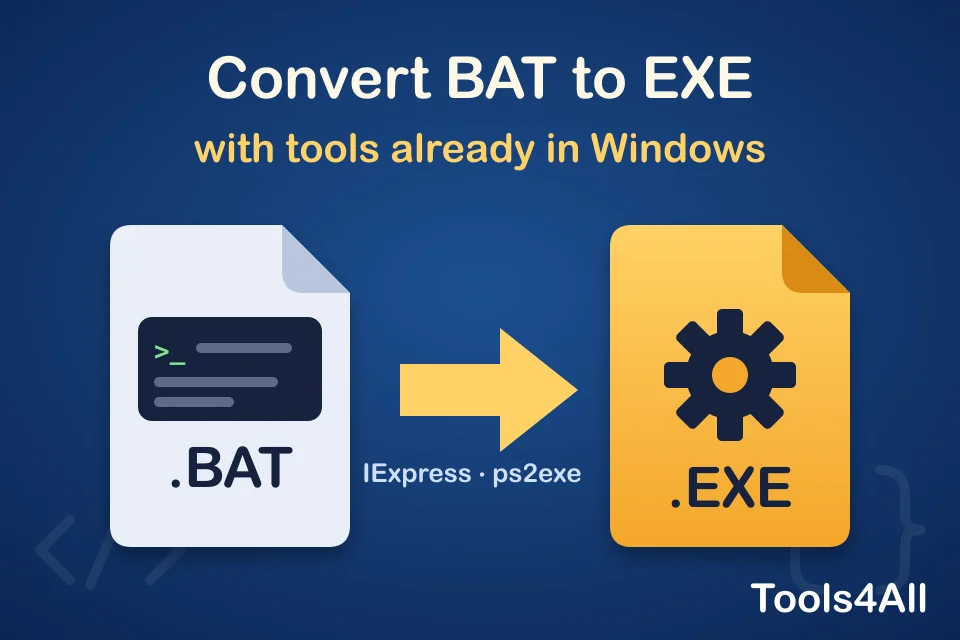
You wrote a batch file or a PowerShell script that works, and now you want to hand it to someone as a single .exe: one file to double-click, with no “open with” questions and no console full of commands.
You do not need an online “BAT to EXE converter” for that. Windows already includes a tool that does it, and PowerShell has a free, open module that does the same for .ps1 scripts. Both run on your own computer, so the file you get is built from your script and nothing else.
In a hurry?
- Batch file (.bat / .cmd): press Win + R, type
iexpress, and pack the file with the install commandcmd /c yourscript.bat. - PowerShell (.ps1): run
Install-Module ps2exe -Scope CurrentUseronce, thenInvoke-ps2exe .\script.ps1 .\script.exe. - Python (.py):
pip install pyinstaller, thenpyinstaller --onefile script.py. - Want an icon? Take one from any program with the free Icon Extractor.
Method 1: BAT to EXE with IExpress (built into Windows)
IExpress has been part of Windows for decades. It was made to build small installers: it packs files into one EXE, unpacks them to a temporary folder when the EXE runs, and starts a command. That command can be your batch file.
- Press Win + R, type
iexpressand press Enter. - Choose Create new Self Extraction Directive file and click Next.
- Choose Extract files and run an installation command.
- Give the package a title (it is shown in the window title of any message).
- Confirmation prompt: No prompt. License agreement: Do not display a license.
- Packaged files: click Add and pick your
.batfile (and any files it needs). - Install Program: type
cmd /c yourscript.batyourself, with your file’s name. Choosing the .bat from the list alone often does nothing, because IExpress does not start batch files directly. - Show window: Default to see the console, or Hidden to run silently.
- Finished message: No message.
- Package name: choose where to save the EXE, and tick Hide File Extracting Progress Animation from User and Store files using Long File Name inside Package.
- Restart: No restart. Save the SED file if you want to rebuild later, then click Next to create the EXE.
One thing to know: the script runs from a temporary folder, not from where the EXE is. A line like copy data.txt backup\ looks in that temporary folder. Use full paths (%USERPROFILE%\Documents\data.txt) for files the script reads or writes outside the package.
Method 2: PowerShell to EXE with ps2exe
ps2exe is a free, open-source PowerShell module, published in the official PowerShell Gallery. It wraps a .ps1 script in a small EXE that runs it, and lets you set an icon, a version and whether a console window appears.
- Open PowerShell (no administrator rights needed) and install the module once:
If PowerShell asks to install the NuGet provider or to trust the PSGallery repository, answer Y.Install-Module ps2exe -Scope CurrentUser - Go to the folder with your script and build the EXE:
Invoke-ps2exe .\script.ps1 .\script.exe - Useful options:
-noConsole: no console window (for scripts that show forms or message boxes).-iconFile .\app.ico: the EXE’s icon.-requireAdmin: asks for administrator rights when it starts.-title "My Tool" -version "1.0.0": what Windows shows in the file’s properties.
Prefer a window to the command line? Run Win-PS2EXE after installing the module: it is the same tool with a small form.
Other scripts: Python, AutoHotkey, Node.js
- Python:
pyinstaller --onefile script.pybuilds one EXE in thedistfolder. Add--noconsolefor a program with a window. - AutoHotkey: the installer includes Ahk2Exe: right-click the .ahk file and choose Compile Script.
- Node.js: recent versions (20 and later) can build a single executable application (see the “Single executable applications” page of the Node.js documentation).
Do you really need an EXE?
Often a simpler option does the job:
- A shortcut. Right-click the .bat file, Send to → Desktop (create shortcut), then give the shortcut an icon in its properties. Double-clicking it runs the script.
- A scheduled task. For a script that should run every day or at sign-in, Task Scheduler runs a .bat or .ps1 directly.
- The script itself. If the people you share it with use Windows, a .bat file already runs on double-click.
Three things every “BAT to EXE converter” leaves out
- Your code is not hidden. These tools store the script inside the EXE, often as plain text. Anyone can read it back, for example with our String Extractor, which lists the readable text inside any file. Never put passwords, tokens or keys in it.
- Antivirus programs may complain. Malware uses the same wrappers, so Windows Defender and SmartScreen can warn about a script EXE that is perfectly harmless. Signing it with a code-signing certificate helps, and Microsoft accepts false-positive reports for files you made.
- An EXE from a website is a file you cannot check. An online converter returns a file built on a server you know nothing about. That is why we explain the built-in way instead of offering one: with IExpress or ps2exe, you know exactly what went into the file.
Got an EXE from someone else and want to know what it runs before you open it? Read how to analyze an EXE without running it.
Free tools for the rest of the job
All of them run in your browser: your files are not uploaded anywhere.